

Features at a glance
What Kamra does, module by module, with a link to the full guide for each. Everything here is in the open-source app; there are no editions.
Latest stable: v2.6.16. System map and architecture: How Kamra works.
Front desk
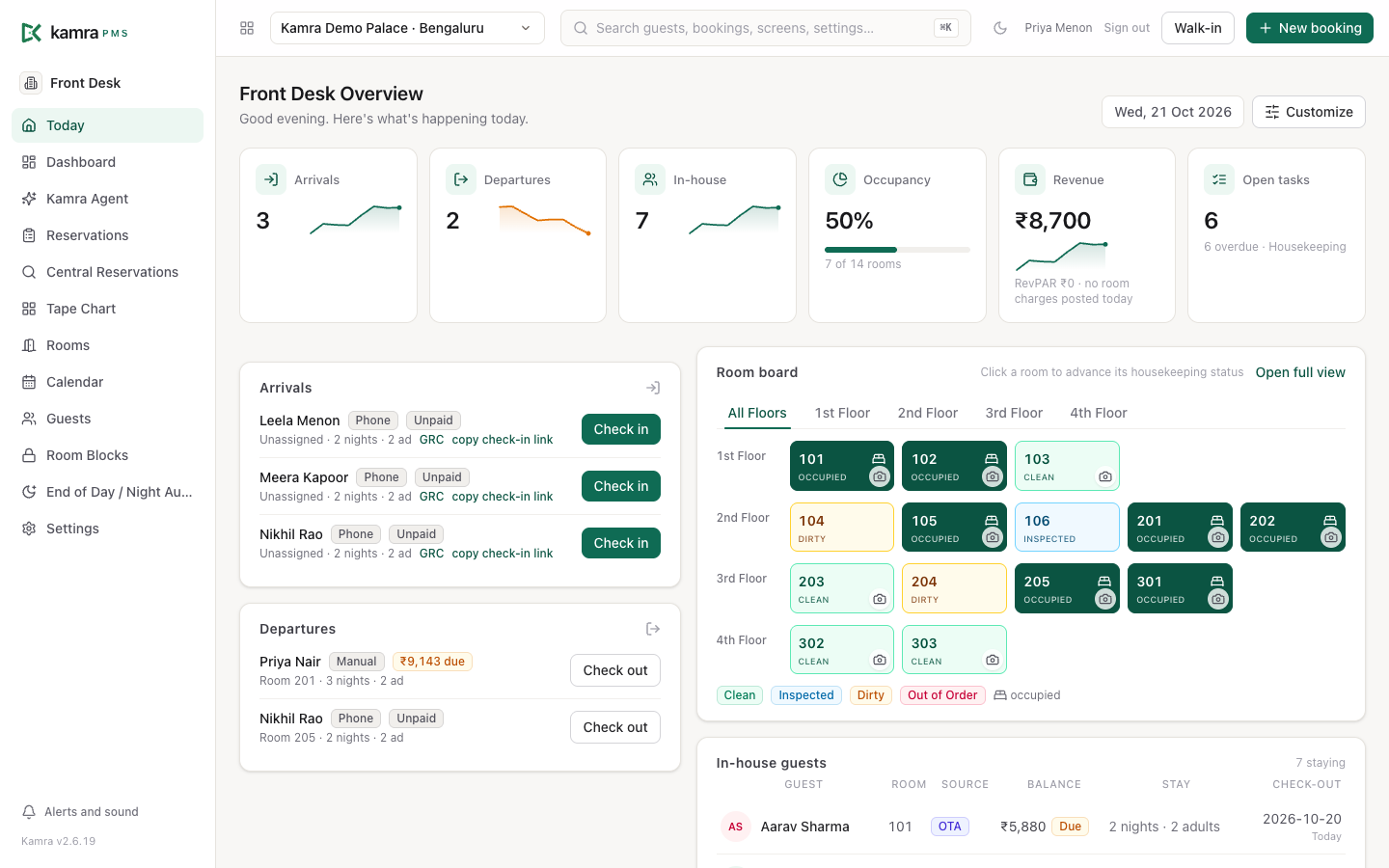
The Today screen shows arrivals, departures, in-house guests and every room's state. Check-in shows how ready a stay is (online check-in, ID and address proof, contact details), suggests a room, and prints the registration card with an ID scan per occupant. Walk-ins are one screen, and guests can check themselves in online with a link.
Reservations
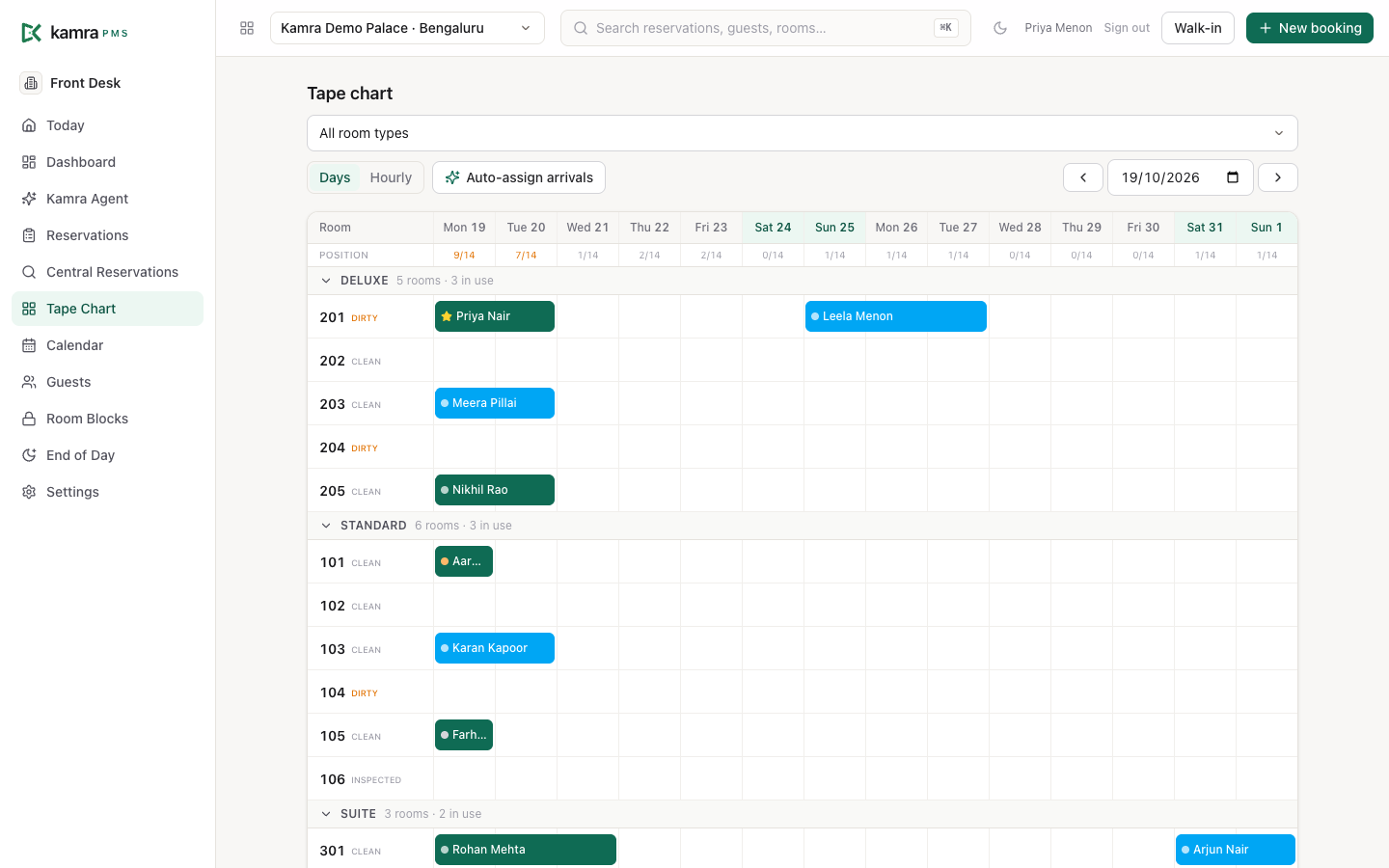
Book from a quote that prices every night, with add-ons, meal plans, company billing and several rooms at once. The tape chart shows rooms by date with the house position for each day; the calendar sells by room type. Groups, room blocks, a waitlist, deposits before arrival and cancellation with the policy fee are all built in, and Central Reservations searches every property you manage.
Billing & cashier
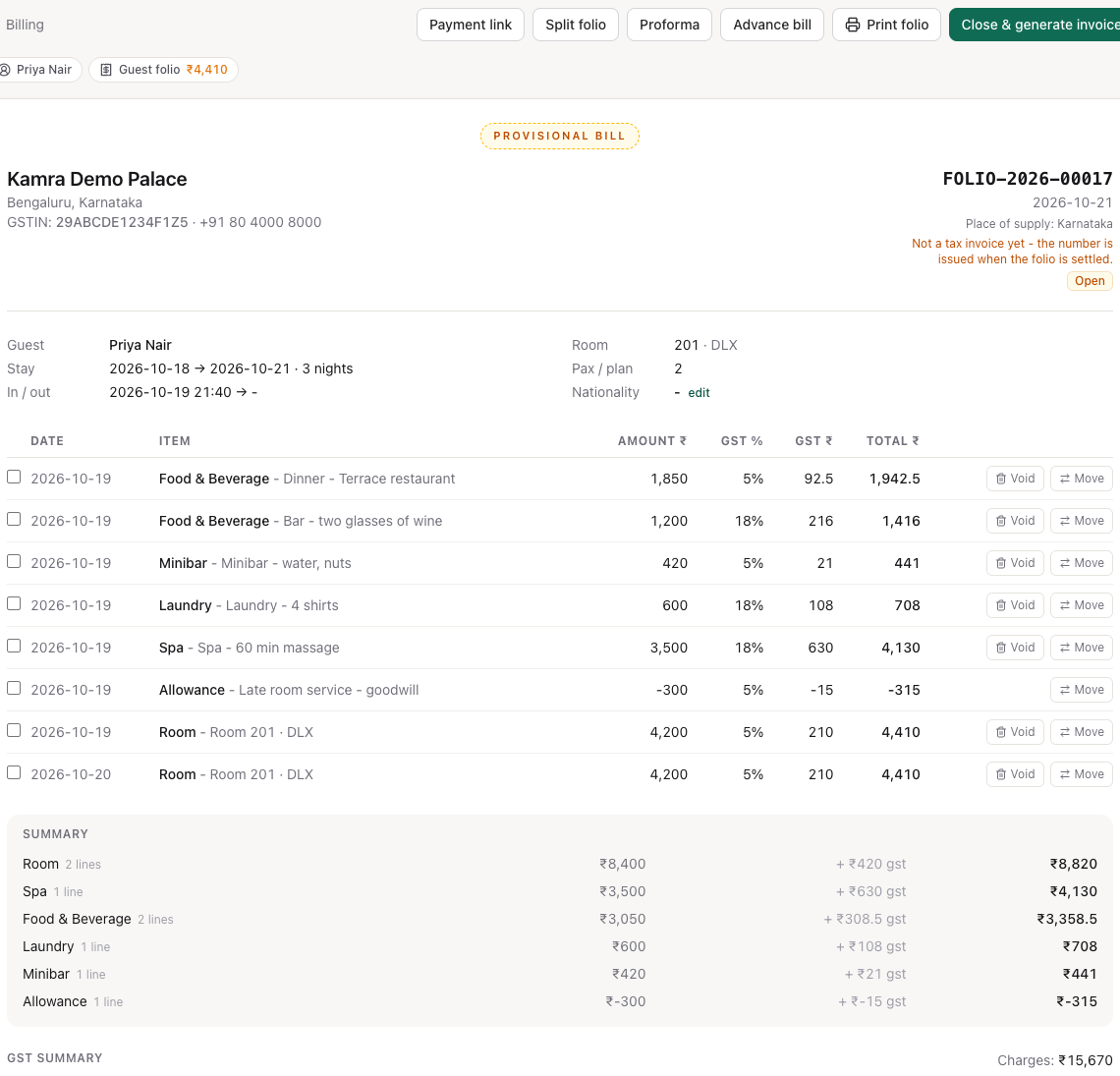
Folios with a tax rate per line, split and routed billing (a company pays the room, the guest pays the bar), payments and payment links, security deposits, invoices and credit notes, company accounts with ageing, and a cashier till with shift reports, petty cash and a currency desk. Voids and allowances always need a reason.
Night audit
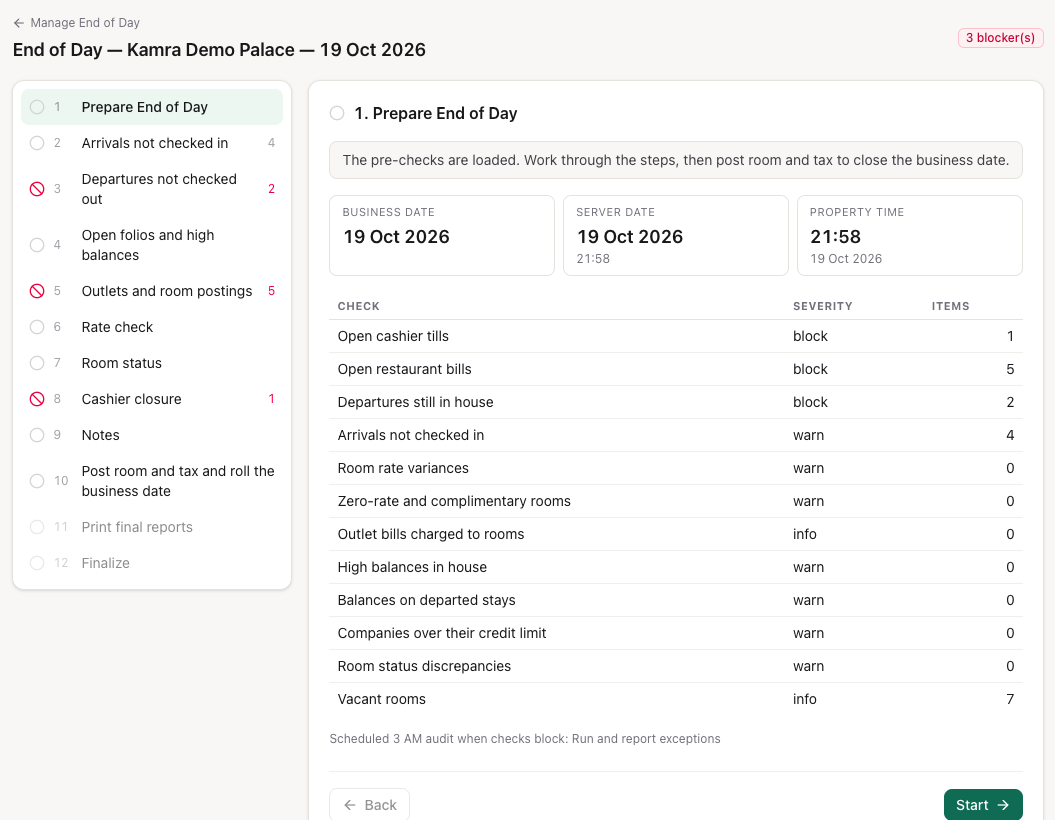
The End of Day wizard checks arrivals, departures, open restaurant bills and tills, lets you acknowledge or fix each one, then posts the nights, applies the no-show policy and saves an audit pack of the day's reports. It also runs by itself at 03:00.
Reports & dashboards
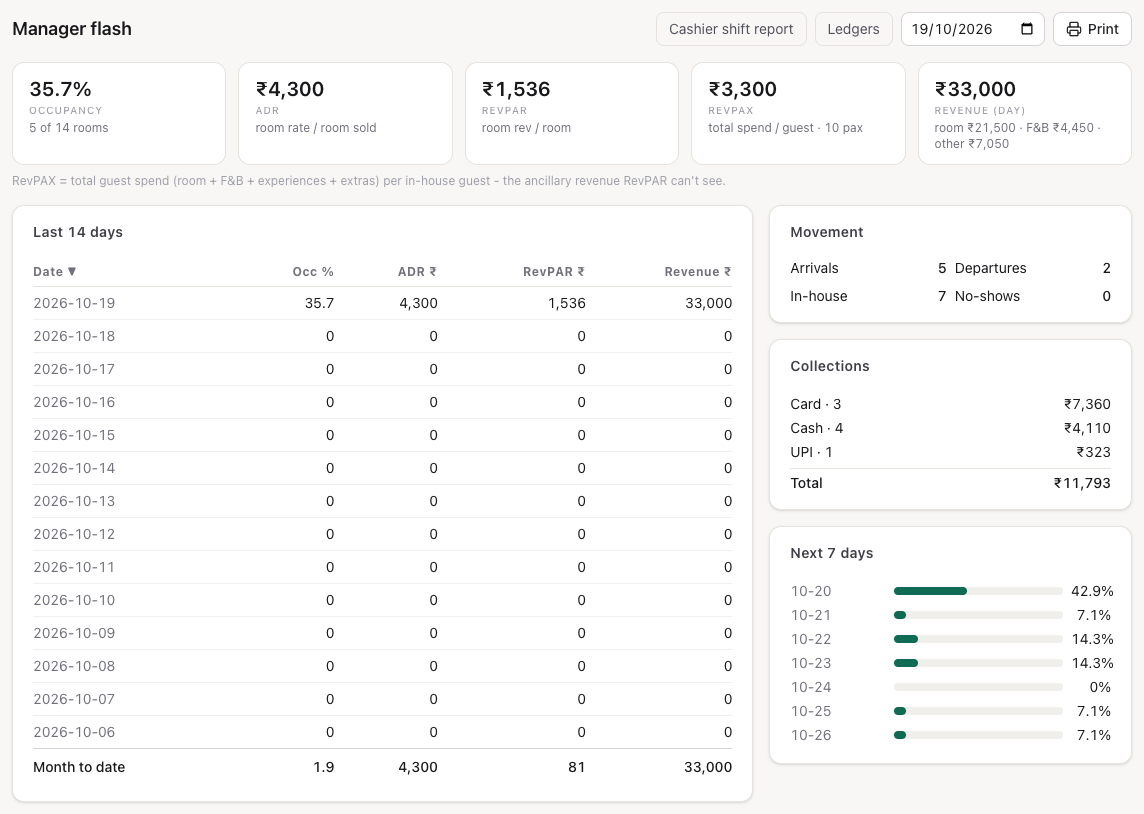
A manager flash for yesterday and the month, property and portfolio dashboards (occupancy, ADR, RevPAR, collections), budget against actual, contribution by source, company and agent, the guest-request SLA report, and an accounting export for Tally, Zoho Books or ERPNext.
Housekeeping
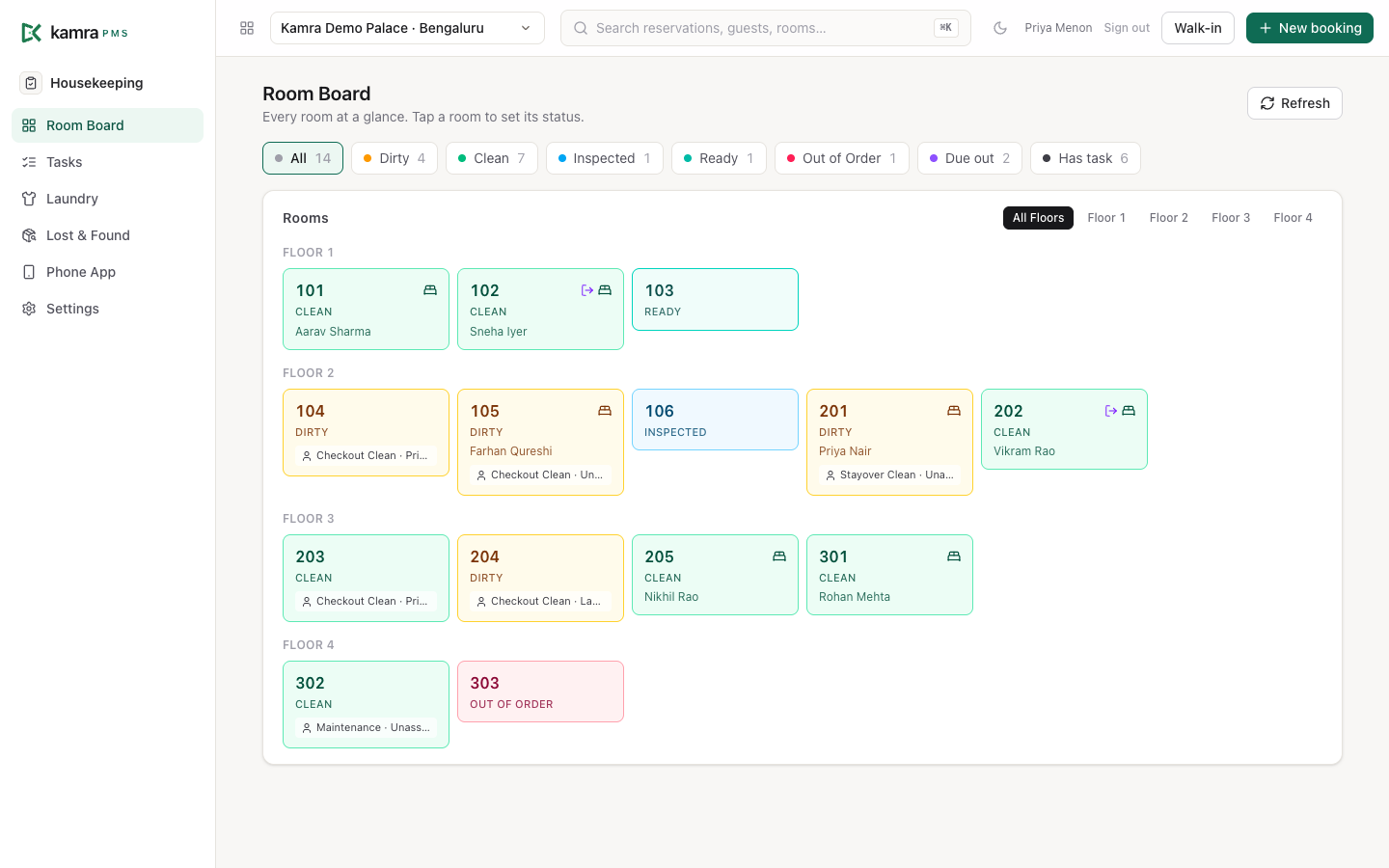
A room board for supervisors and a phone app for floor staff: take a room from the pool, accept or decline, start, finish with a photo. Tasks have deadlines and escalate when they're late. Minibar posting, guest laundry from collection to folio, lost & found and shift handover are on the same screens.
Guest requests
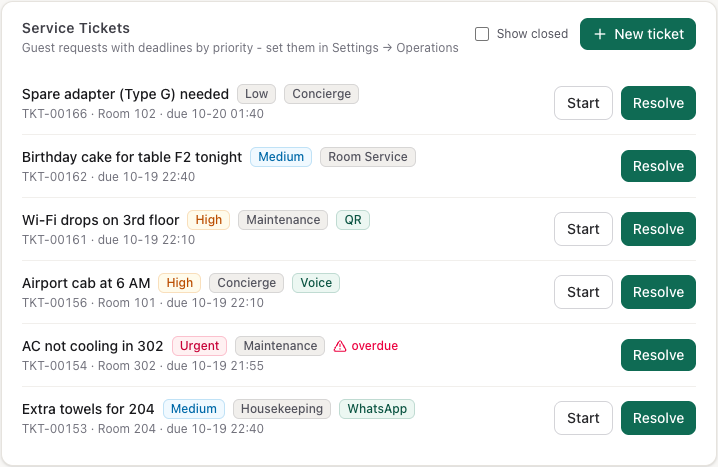
Log a guest's request (towels, a leaking tap), route it to a department, track it against a deadline by priority, and see how each department did in the SLA report. A maintenance request can become a housekeeping task.
F&B: POS and kitchen
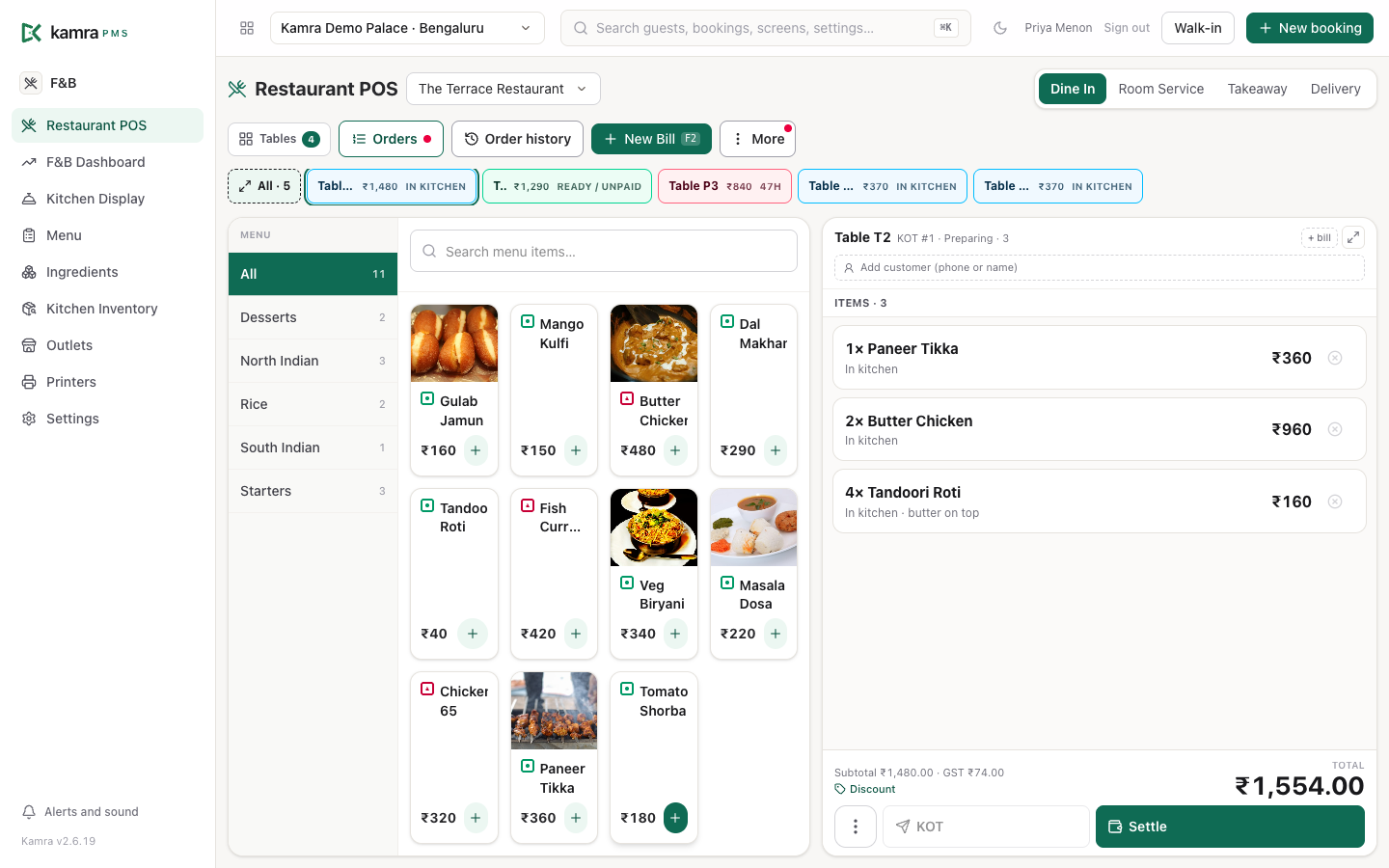
A restaurant POS with a table map, several bills per table, room service, takeaway and delivery; a kitchen display by station; kitchen printers that route each dish to the printer that cooks it; room charges that post to the folio; and kitchen stock that moves when the order is sent. Optional auto-KOT: send the order and the kitchen ticket prints without a separate accept step.
Banquets & groups
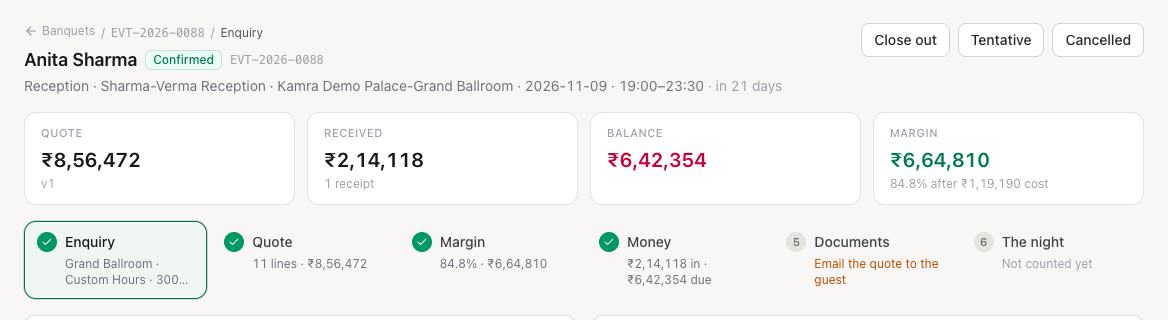
From the first enquiry to the quotation, the event order (BEO), receipts and close-out, with a diary and month view of every venue, a catalogue of menus and services, checklists for each function, and registers.
Revenue & rates
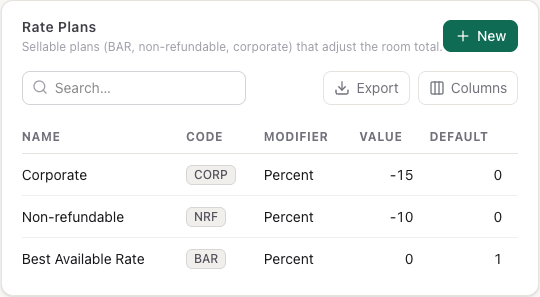
Room types, rate plans, seasons, meal plans, vouchers, negotiated rates for companies and travel agents, demand-based (hurdle) pricing, and rate guardrails: a floor and ceiling that rate changes made by an AI agent or the API can't go outside. Quotes are always worked out by Kamra's pricing code, never made up by a model.
Booking engine
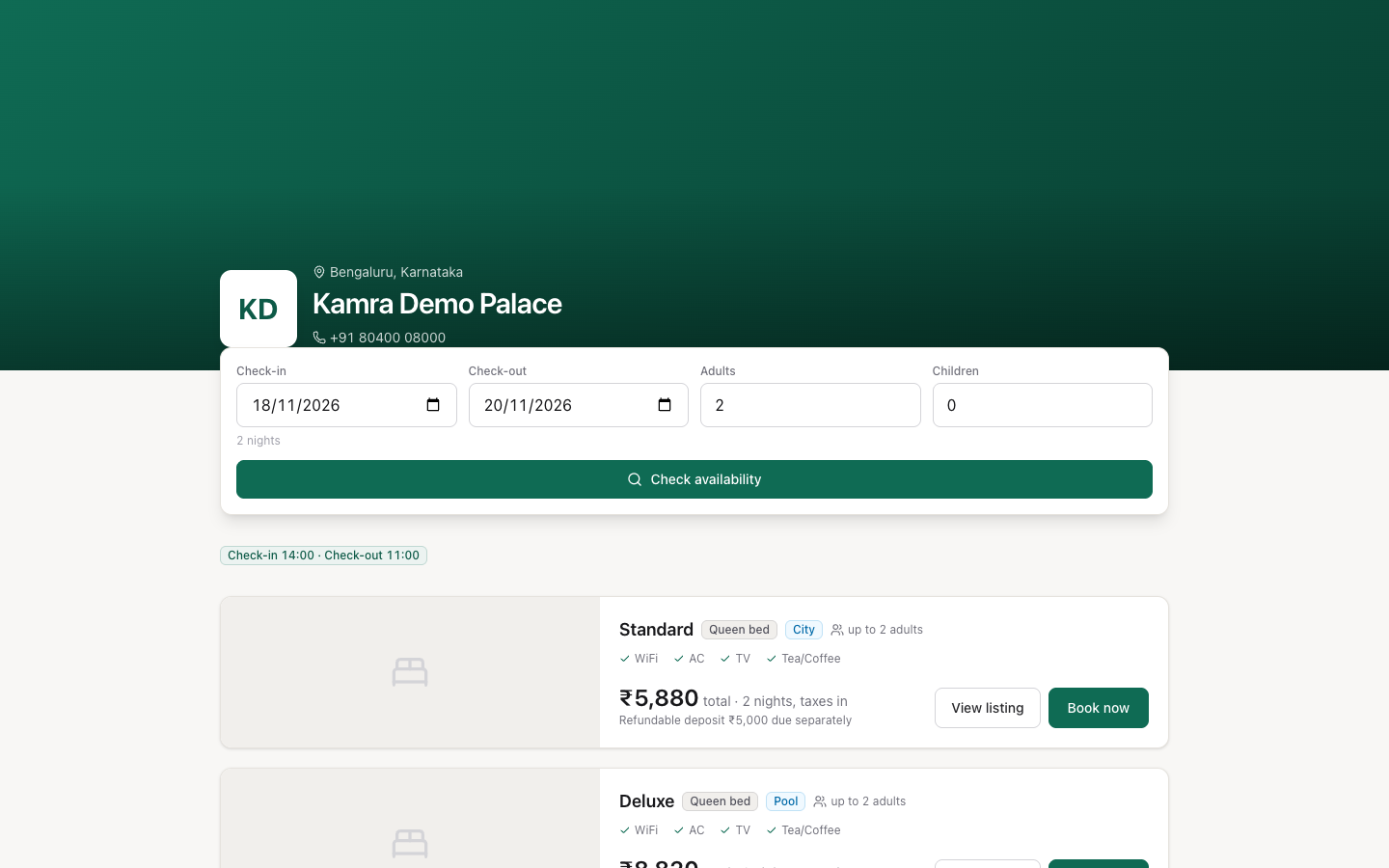
Your own booking page at /book, with live rates and availability, add-ons and experiences, instant booking or request to book, and payment at the hotel, an advance, a registration fee or the full amount online.
Your country's taxes
The property's country picks a localisation pack: tax rules and labels, invoice wording, currency and number format, the ID documents the desk accepts and the ways to pay. Packs exist for India (GST), Indonesia, Thailand, Malaysia, the UAE and Saudi Arabia (with ZATCA e-invoicing), plus a flat-tax pack for everywhere else. Adding a country is one Python file. See Country setup.
Short-term rentals
Set the property kind to Short Term Rental and the booking page becomes a catalogue of places, each sold as private rooms or the whole house. Booking the whole villa takes its rooms off sale. Quotes carry cleaning fees and refundable deposits. See Booking engine.
Several properties
One login with a property switcher, guest profiles shared across your properties, per-person property access, central reservations and a portfolio dashboard. See Settings & staff and Reports.
Switching from another PMS
Export your bookings from eZee, Cloudbeds or any system that writes a CSV. The importer recognises each vendor's columns and date format, matches room types, and shows a preview of what will import and why any row would be skipped before it writes anything. Past stays come in as guest history, so returning guests are recognised from the first day. See the Go-live checklist.
WhatsApp
Connect your own Meta Cloud API number. Booking confirmations, check-in links, payment requests and a conversations inbox run from Kamra. Templates and privacy scrubbing follow property settings.
Channel manager (OTAs)
Push availability and rates, receive bookings and modifications through the channel manager connector. Secrets are required; unsigned webhooks are refused.
Privacy (DPDP and retention)
Guest erasure and access export, retention schedules for ID files and chat text, and a guest privacy notice in several Indian languages. Contact details are not sent to the AI provider.
AI, done safely
Kamra is built so an AI can work in it without being trusted blindly:
- Connect Claude (or any MCP client) and it works as a staff member, with that person's roles and only the modules the property has switched on.
- The built-in Kamra Agent uses your own AI key.
- Prices, taxes and fees are always worked out by Kamra's code, and rate guardrails stop an AI agent setting a rate outside the floor and ceiling.
- Every action is in the Activity Log: who, what, why, and the record before and after.
See Connect your AI, the MCP tools and How Kamra works.
Admin
Admin → System Health checks your version against the latest release, runs site diagnostics and points to the upgrade steps for your kind of install. It never upgrades on its own.
Install paths
| Path | Guide |
|---|---|
| Docker on your VPS | Quickstart |
| Provider guides | Self-hosting |
| Frappe Cloud Marketplace | Frappe Cloud |
| Classic bench | Install with bench |
| Same site as ERPNext / HR | ERPNext & Frappe HR |